# LUCID Connectors (/platform/ai-backtesting/backtesters/strategy-scripting/lucid-connectors)
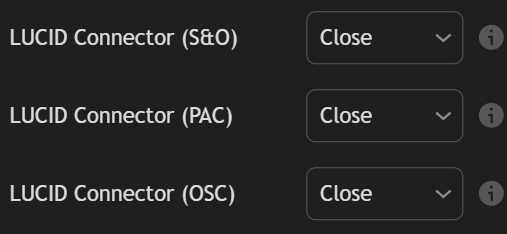
LUCID (LuxAlgo Universal Conditions Identifier) connectors are identifiers used to share the **trigger placeholders** from toolkits directly to any Backtester by simply using them as a source in the appropriate inputs.
One usage of LUCID connectors is being able to backtest strategies based on both the Signals & Overlays™ indicators and Oscillator Matrix™ using the PAC Backtester.
LUCID Connectors are only available starting from the following toolkit versions
* LuxAlgo® - Signals & Overlays™: 7.0
* LuxAlgo® - Price Action Concepts™: 3.0
* LuxAlgo® - Oscillator Matrix™: 7.0
And can be used only starting from the following Backtester versions:
* Backtester (S\&O): 3.0
* Backtester (PAC): 2.0
* Backtester (OSC): 2.0
## Connectors [#connectors]
Each toolkit connector can be identified from their name:
* **"LuxAlgo® - Signals & Overlays™: LUCID Connector"**
* **"LuxAlgo® - Price Action Concepts™: LUCID Connector"**
* **"LuxAlgo® - Oscillator Matrix™: LUCID Connector"**
## Available Placeholders [#available-placeholders]
Only the trigger placeholders of each toolkit are supported, to get a list of those placeholders see:
* [Signals & Overlays™ trigger placeholders](/platform/toolkits/alert-scripting/placeholders#trigger-placeholders)
* [Price Action Concepts™ trigger placeholders](/platform/toolkits/alert-scripting/placeholders#trigger-placeholders-2)
* [Oscillator Matrix™ trigger placeholders](/platform/toolkits/alert-scripting/placeholders#trigger-placeholders-3)
## How To Use [#how-to-use]
Let's suppose that we want to backtest a strategy with the following entry conditions:
* long: bullish CHoCH while the neo cloud is bullish and the market is trending
* short: bearish CHoCH while the neo cloud is bearish and the market is trending
For this example, we will use the PAC Backtester, as such we need the Signals & Overlays™ toolkit to share information about the Neo Cloud and Trend Strength indicators.
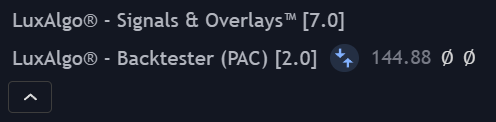
First, we can add the PAC Backtester and Signals & Overlays™ toolkit to our chart.
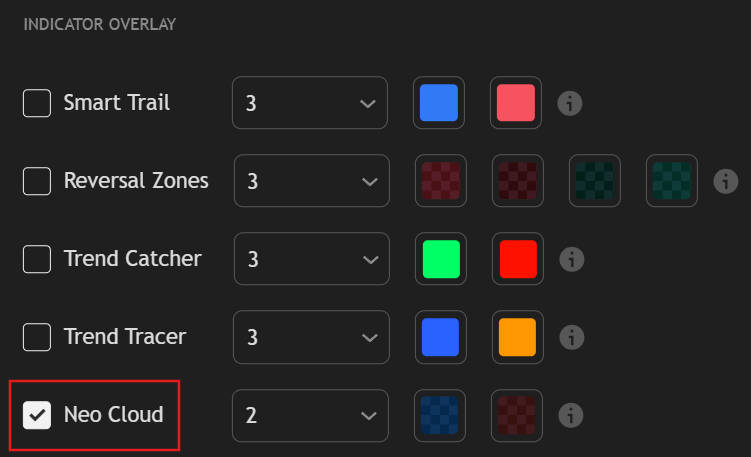
Once done, let's make sure the Neo Cloud overlay is enabled in the Signals & Overlays™ toolkit.
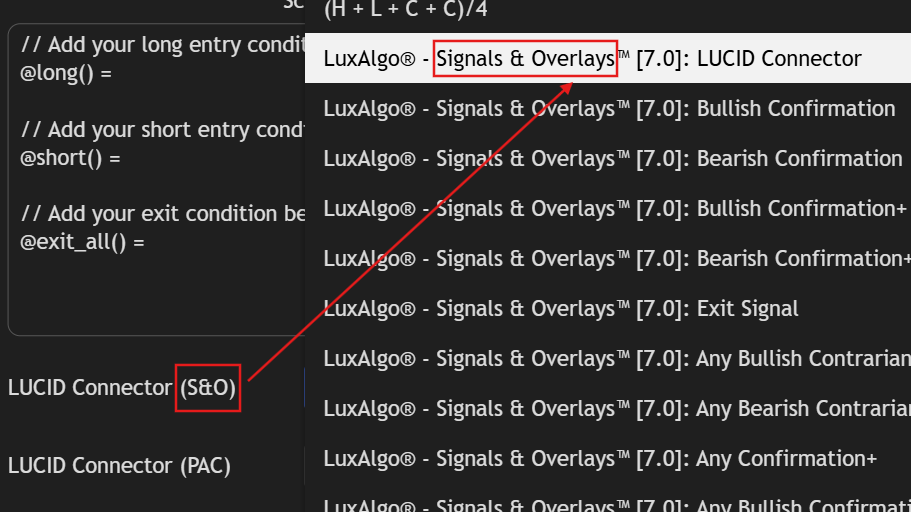
Once the Neo Cloud is enabled, go to the PAC Backtester settings, locate the **CONDITIONS (ADVANCED)** section, then locate the **LUCID Connector (S\&O)** setting, open its dropdown and select **"LuxAlgo® - Signals & Overlays™: LUCID Connector"**.
When using the LUCID connector of a specific toolkit make sure to select it from the correct input setting.
For example having in the **LUCID Connector (S\&O)** setting the LUCID connector for the Price Action Concepts™ toolkit **"LuxAlgo® - Price Action Concepts™: LUCID Connector"** will result in unexpected results.
Now we simply need to script our strategies. THe PAC Backtester already includes placeholders for bullish and bearish CHoCH's, `{bullish_choch}` and `{bearish_choch}`. For the Signals & Overlays, the trigger placeholders of interest are `{bullish_neo}`, `{bearish_neo}`, and `{trend_strength_trending}`,
This leads to the following scripted strategy:
```js
// Add your long entry condition below
@long() = {bullish_choch} and {bullish_neo} and {trend_strength_trending}
// Add your short entry condition below
@short() = {bearish_choch} and {bearish_neo} and {trend_strength_trending}
```
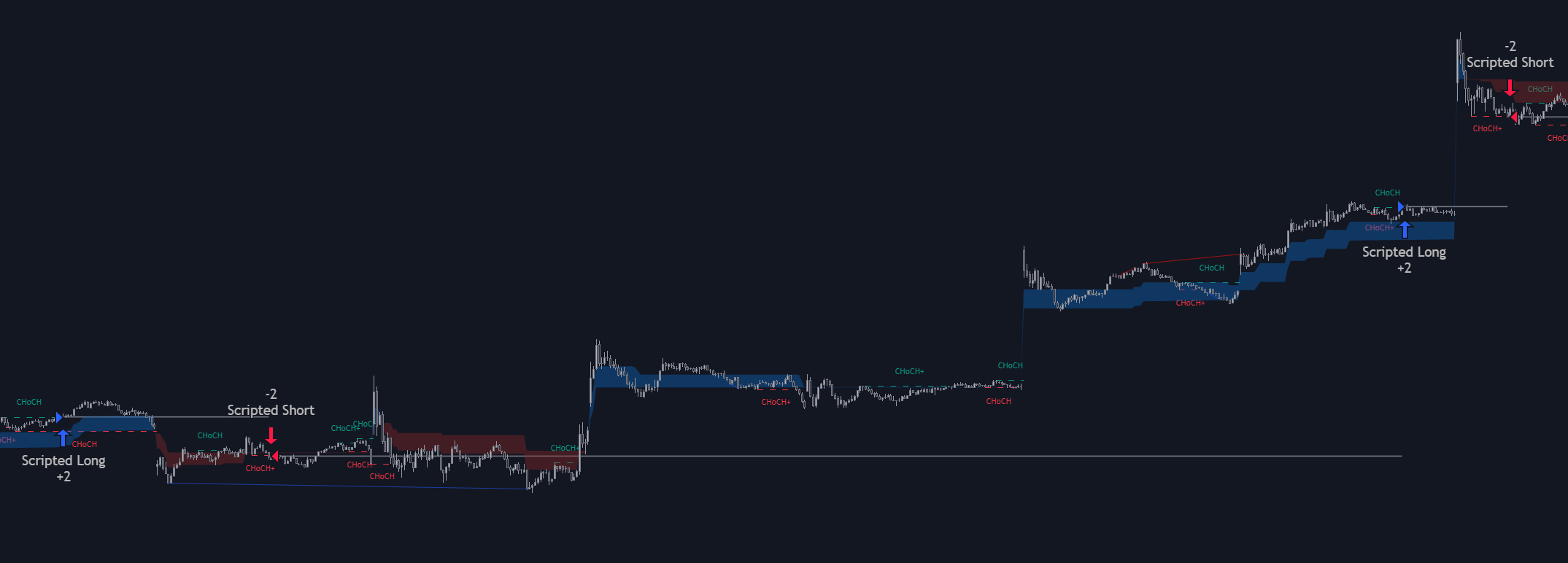
As we can see above we are indeed filtering CHoCH's with the help of the Signals & Overlays.