
LUCID Connectors
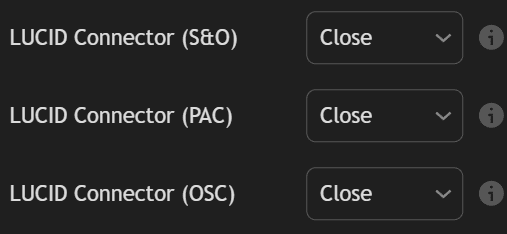
LUCID (LuxAlgo Universal Conditions Identifier) connectors are identifiers used to share the trigger placeholders from toolkits directly to any Backtester by simply using them as a source in the appropriate inputs.
One usage of LUCID connectors is being able to backtest strategies based on both the Signals & Overlays™ indicators and Oscillator Matrix™ using the PAC Backtester.
LUCID Connectors are only available starting from the following toolkit versions
- LuxAlgo® - Signals & Overlays™: 7.0
- LuxAlgo® - Price Action Concepts™: 3.0
- LuxAlgo® - Oscillator Matrix™: 7.0
And can be used only starting from the following Backtester versions:
- Backtester (S&O): 3.0
- Backtester (PAC): 2.0
- Backtester (OSC): 2.0
Connectors
Each toolkit connector can be identified from their name:
- "LuxAlgo® - Signals & Overlays™: LUCID Connector"
- "LuxAlgo® - Price Action Concepts™: LUCID Connector"
- "LuxAlgo® - Oscillator Matrix™: LUCID Connector"
Available Placeholders
Only the trigger placeholders of each toolkit are supported, to get a list of those placeholders see:
- Signals & Overlays™ trigger placeholders
- Price Action Concepts™ trigger placeholders
- Oscillator Matrix™ trigger placeholders
How To Use
Let's suppose that we want to backtest a strategy with the following entry conditions:
- long: bullish CHoCH while the neo cloud is bullish and the market is trending
- short: bearish CHoCH while the neo cloud is bearish and the market is trending
For this example, we will use the PAC Backtester, as such we need the Signals & Overlays™ toolkit to share information about the Neo Cloud and Trend Strength indicators.
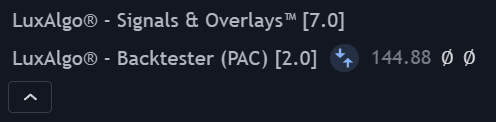
First, we can add the PAC Backtester and Signals & Overlays™ toolkit to our chart.
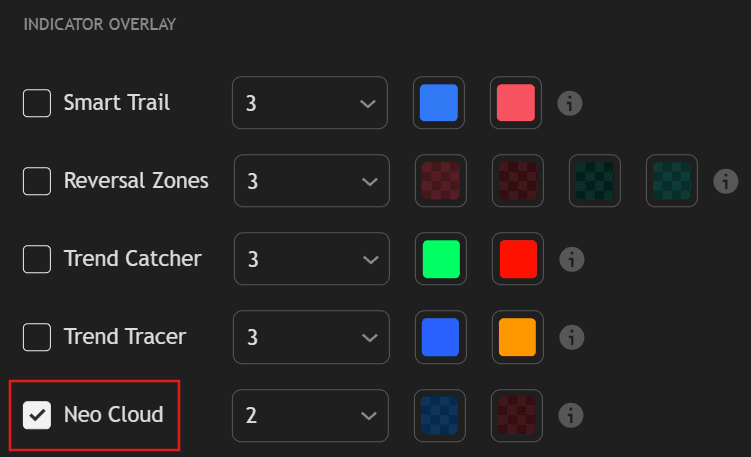
Once done, let's make sure the Neo Cloud overlay is enabled in the Signals & Overlays™ toolkit.
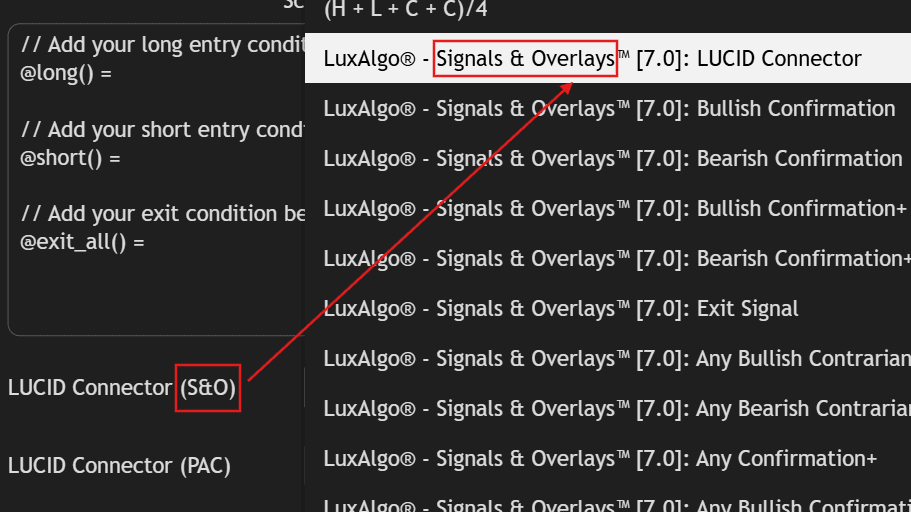
Once the Neo Cloud is enabled, go to the PAC Backtester settings, locate the CONDITIONS (ADVANCED) section, then locate the LUCID Connector (S&O) setting, open its dropdown and select "LuxAlgo® - Signals & Overlays™: LUCID Connector".
When using the LUCID connector of a specific toolkit make sure to select it from the correct input setting.
For example having in the LUCID Connector (S&O) setting the LUCID connector for the Price Action Concepts™ toolkit "LuxAlgo® - Price Action Concepts™: LUCID Connector" will result in unexpected results.
Now we simply need to script our strategies. THe PAC Backtester already includes placeholders for bullish and bearish CHoCH's, {bullish_choch} and {bearish_choch}. For the Signals & Overlays, the trigger placeholders of interest are {bullish_neo}, {bearish_neo}, and {trend_strength_trending},
This leads to the following scripted strategy:
// Add your long entry condition below
@long() = {bullish_choch} and {bullish_neo} and {trend_strength_trending}

// Add your short entry condition below
@short() = {bearish_choch} and {bearish_neo} and {trend_strength_trending}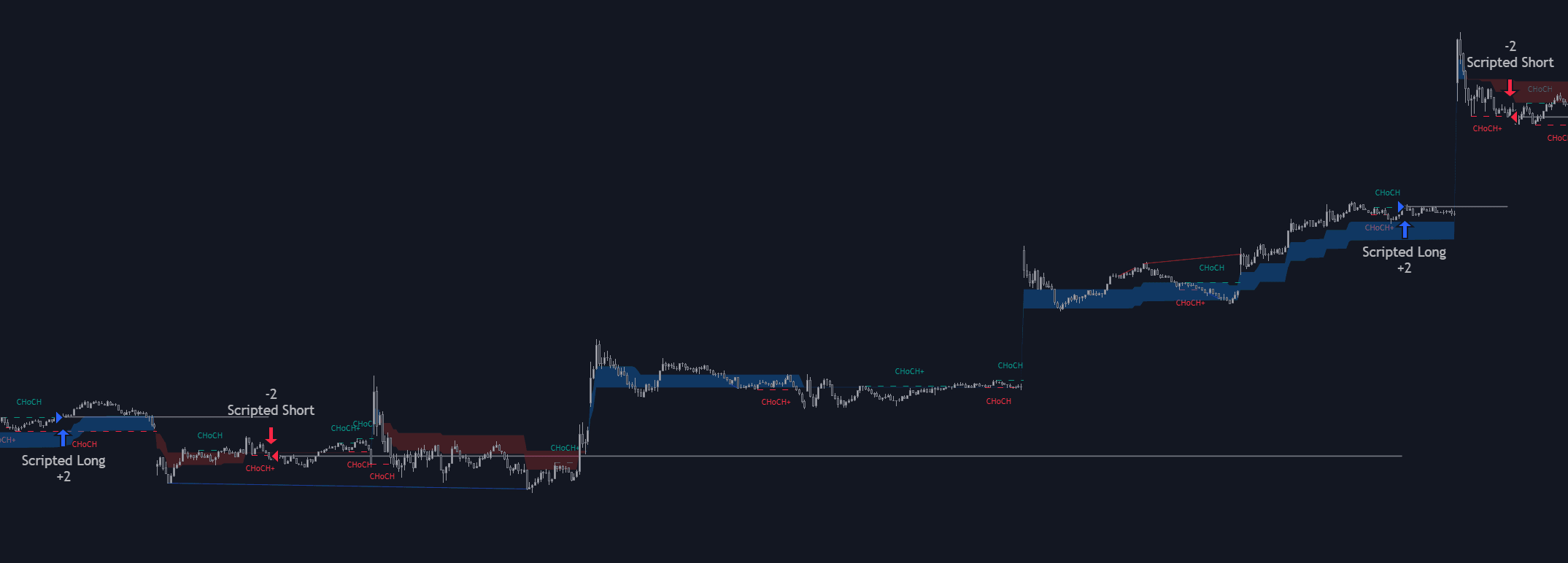
As we can see above we are indeed filtering CHoCH's with the help of the Signals & Overlays.