
What is Quant?
Quant builds indicators and strategies from plain language and plots them on the chart.
Quant sits next to the chart and writes the study for you. Describe an indicator or strategy in plain language, or drop a screenshot, and Quant builds it and plots it on the active chart. No code required.
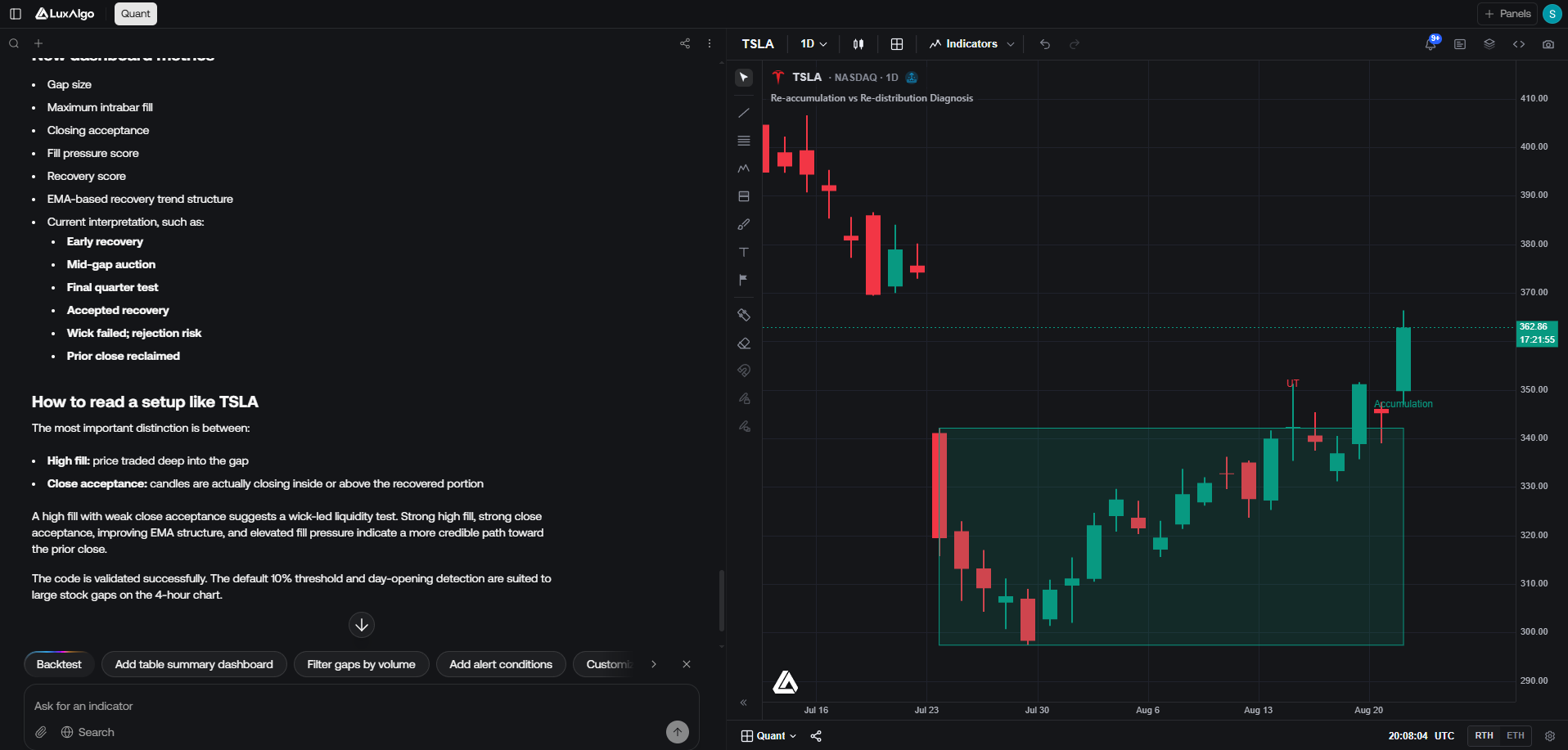
Under the hood, Quant writes Pine Script®, the same scripting language used across the trading industry. Every script Quant produces is real, inspectable code: open Code in the header to review or edit it, then press Run to execute it against the chart's data. That is the whole scripting surface; there is no separate editor product to learn. If you already know Pine Script®, you can edit the generated code directly and re-run it; if you don't, you never have to look at it.
In a multi-chart layout, Quant always targets the active cell: the chart you last clicked. Its scripts are marked in the chart legend so you can tell them apart from library studies.
Try it
Open Quant
Go to luxalgo.com/quant. You can browse a chart without an account; sign in to run scripts and keep your chat history.
Describe what you want
Type a request in the chat. It can be as simple as "An RSI oscillator with signals" or as specific as describing exact entry conditions, colors, and line styles. You can also paste a screenshot, or select a region on the chart and ask about what's in it.
Review and run
Quant writes the script and plots it on the active chart. Open Code to inspect the Pine Script®, then Run. From here you iterate: ask for changes in the chat, one at a time, until the output matches what you had in mind.
Credits
Quant runs on monthly AI credits, shared across LuxAlgo's AI products. Generating and editing scripts consumes credits; bigger requests and longer conversations consume more.
| Plan | Monthly credits |
|---|---|
| Free | 500 |
| Premium | 5,000 |
| Ultimate | 25,000 |
| AI Ultra | 100,000 |
Credits reset on the first of every month.
Long chats consume credits faster, because the whole conversation is context for every new request. Start a new chat around 50 messages, especially when you switch to an unrelated script.