
Accounts
Add, rename, and delete journal accounts. Broker fills sync daily, or when you Refresh.
Screenshots use illustrative demo data.
Every fill belongs to a journal account. Open Add account from the empty state (a fresh journal has none yet), the account picker, or the maximized dashboard. The picker at the top of the journal filters every page: one account, or All accounts. Manage accounts in that same picker is where you rename or delete.
| Path | When to use it |
|---|---|
| Connect broker | Live (and paper) accounts you already linked. Fills sync automatically and refresh daily. Shown when broker connections are available on your account. |
| Import file | A broker or journal export. The format is auto-detected. |
| Manual | An empty book you fill by hand or from the chart. |
Paper accounts
Every paper account appears in the journal as its own account, such as Paper Trading by LuxAlgo. Its fills are recorded as you trade, so there is nothing to add or import, and practice trades are reviewed the same way as real ones. Paper P&L is counted in US dollars. Keeping each paper account separate keeps a strategy test from blending into a prop-challenge rehearsal.
Connect a broker
On Connect broker, use the same connections as your account settings. After a new link, Pull connected accounts into the journal creates the matching journal accounts and imports their fills.
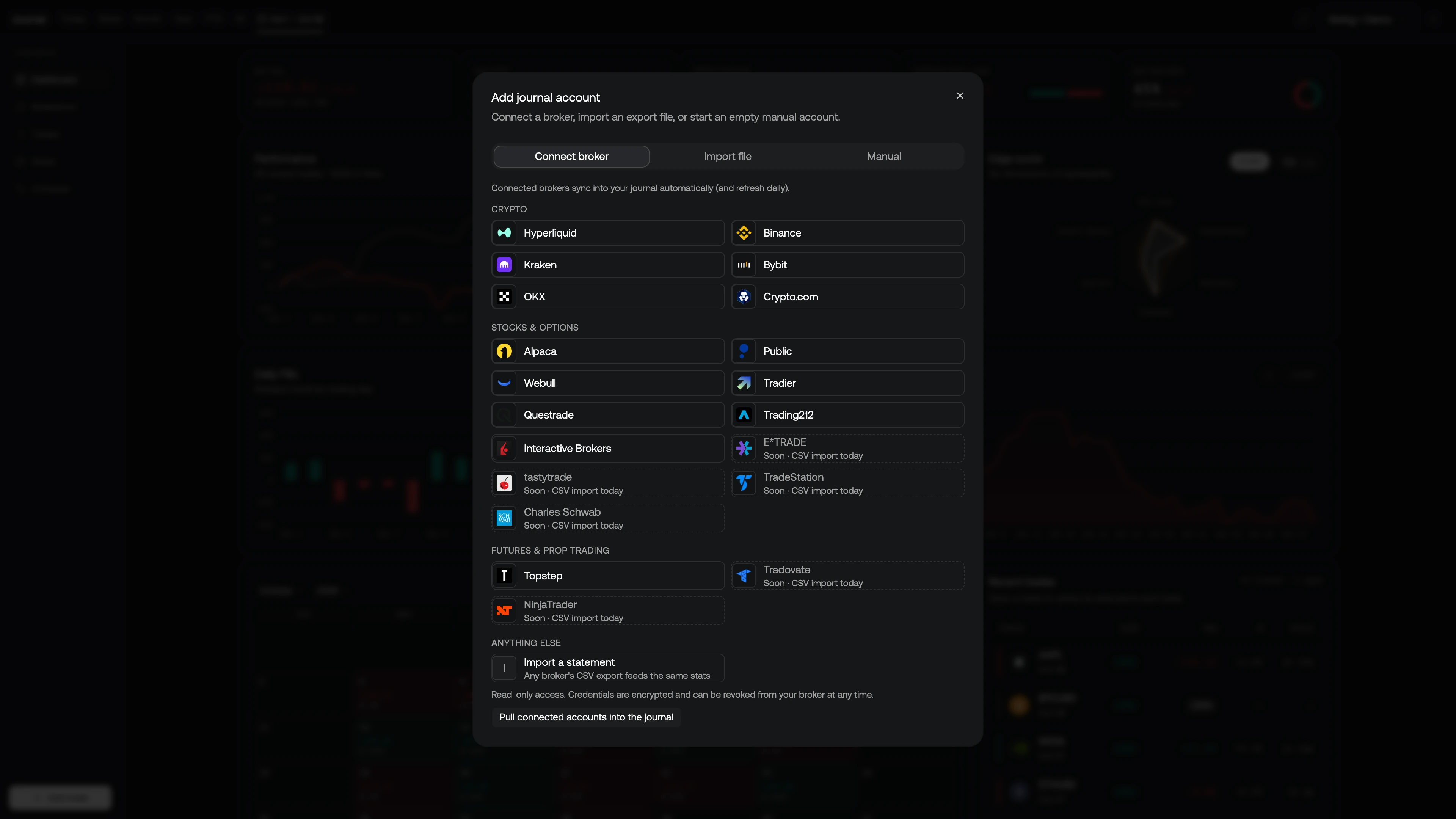
Broker-synced accounts only accept broker fills. To log a discretionary trade, use a Manual or Import account. How fills stay current is under Sync.
Import a file
On Import file, optionally name the account (otherwise it is named after the detected format), then Choose a file. CSV, TXT, and HTML exports up to 2 MB are accepted. The journal reports how many fills were inserted, already journaled, or skipped.
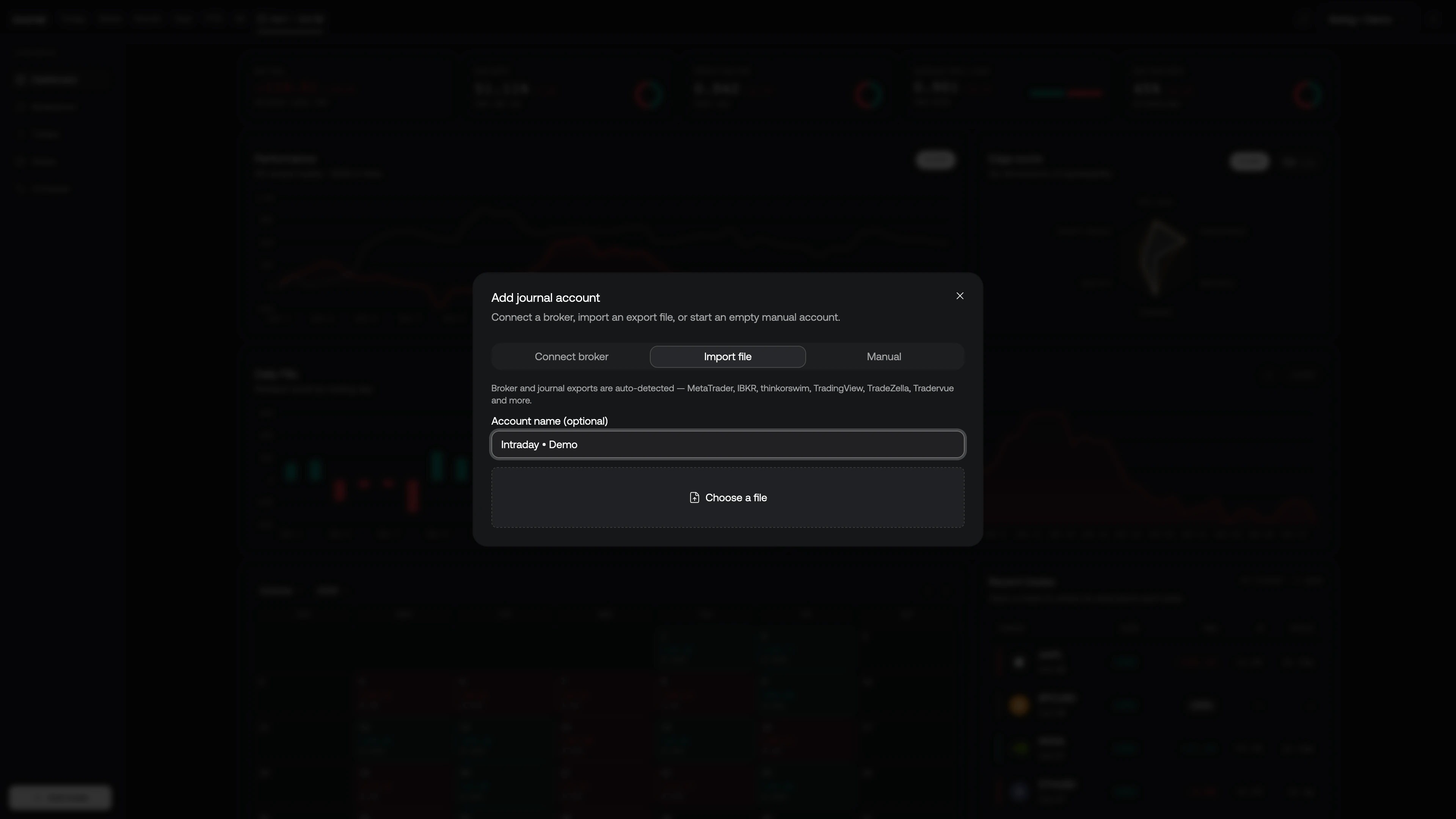
Recognized exports:
- Interactive Brokers (activity statement and Flex Query)
- MetaTrader 4/5 (HTML statement)
- thinkorswim / Charles Schwab
- TradingView paper trading history and Portfolios transactions
- NinjaTrader, Tradovate, TopstepX, Webull, DAS Trader Pro
- TradeZella and Tradervue
Portfolio transactions
To import a portfolio from TradingView, open the portfolio, choose Transactions, then Download. Upload that CSV through Import file.
The journal imports buys and sells. Dividends, cash movements, rewards, and stock splits are skipped and reported in the import summary. Trades after a split use post-split share counts, so review any positions that span a split.
Manual account
Give it a name. Optionally set:
- Currency (default USD)
- Initial balance — unlocks drawdown as a percent of starting capital on the Dashboard
- Profit calculation — how partial exits are matched to entries: FIFO (first in, first out, the default), LIFO (last in, first out), or Weighted average
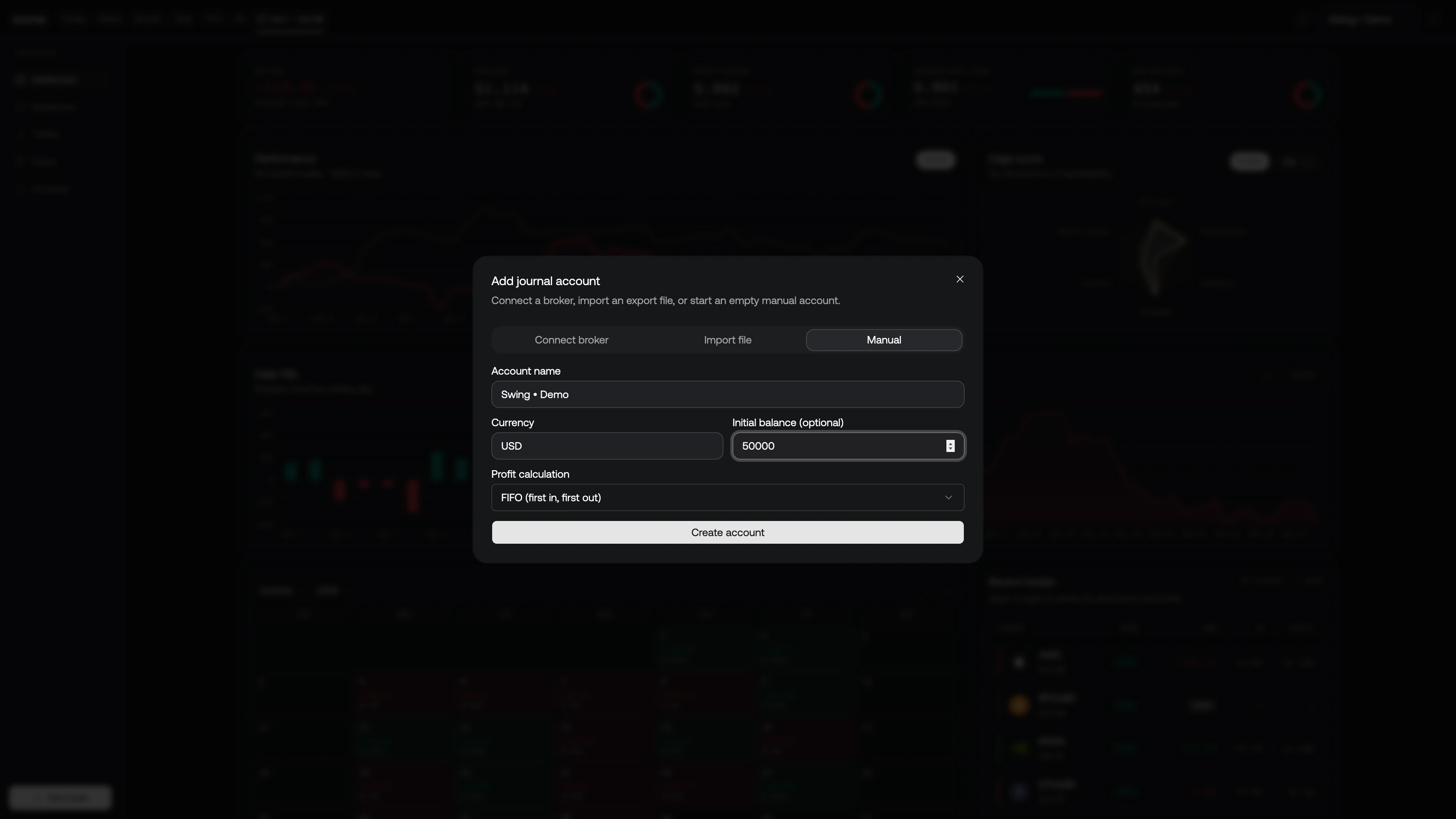
A completed round trip has the same total P&L under every method. The method only changes which entry lots a given exit is charged against.
Manage accounts
Open the account picker and choose Manage accounts. Search if the list is long, then:
- The pencil — rename. Enter saves; Escape cancels.
- The trash — delete. Confirm Delete.
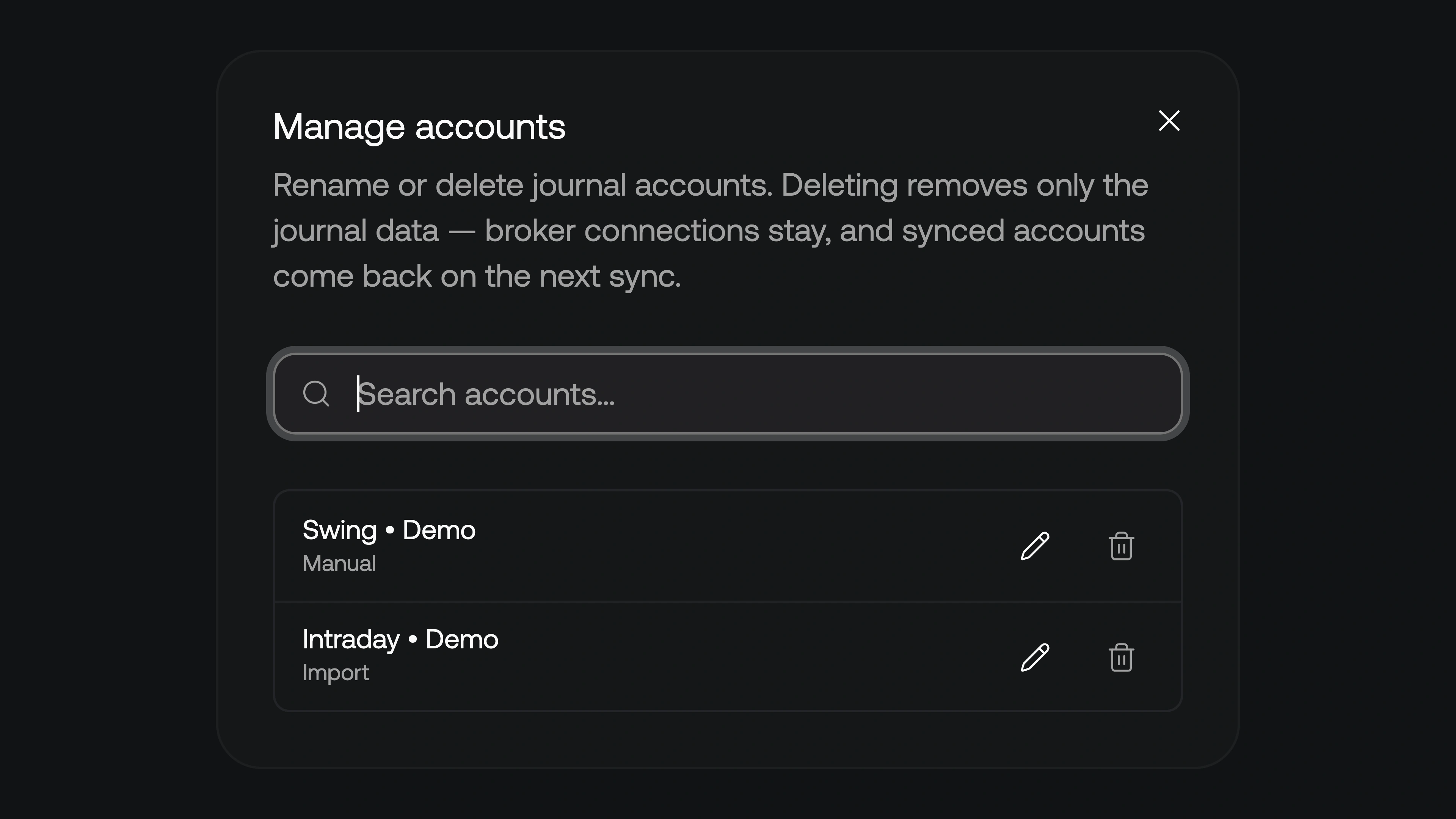
Deleting removes the journal data for that account (fills, derived trades, and your reviews). It does not unlink the broker. A Broker sync account comes back on the next sync, without the tags, rating, and notes you had on those trades. Import and Manual accounts stay gone.
If you were filtered to the deleted account, the picker falls back to All accounts.
Sync
Connected brokers write into the journal on their own and refresh daily. You do not have to open the journal for that pass to run.
To pull now, click Refresh in the column header (the same control is Sync accounts when maximized). A successful run tells you how many new fills landed, or that you were already up to date. The maximized bar also shows Last synced.