Notes
Daily notes from the column, the Notes page, or a click on the chart.
Screenshots use illustrative demo data.
Day notes are what shaped the session: the plan, the context, the review. They are separate from per-trade notes.
Write them from three places:
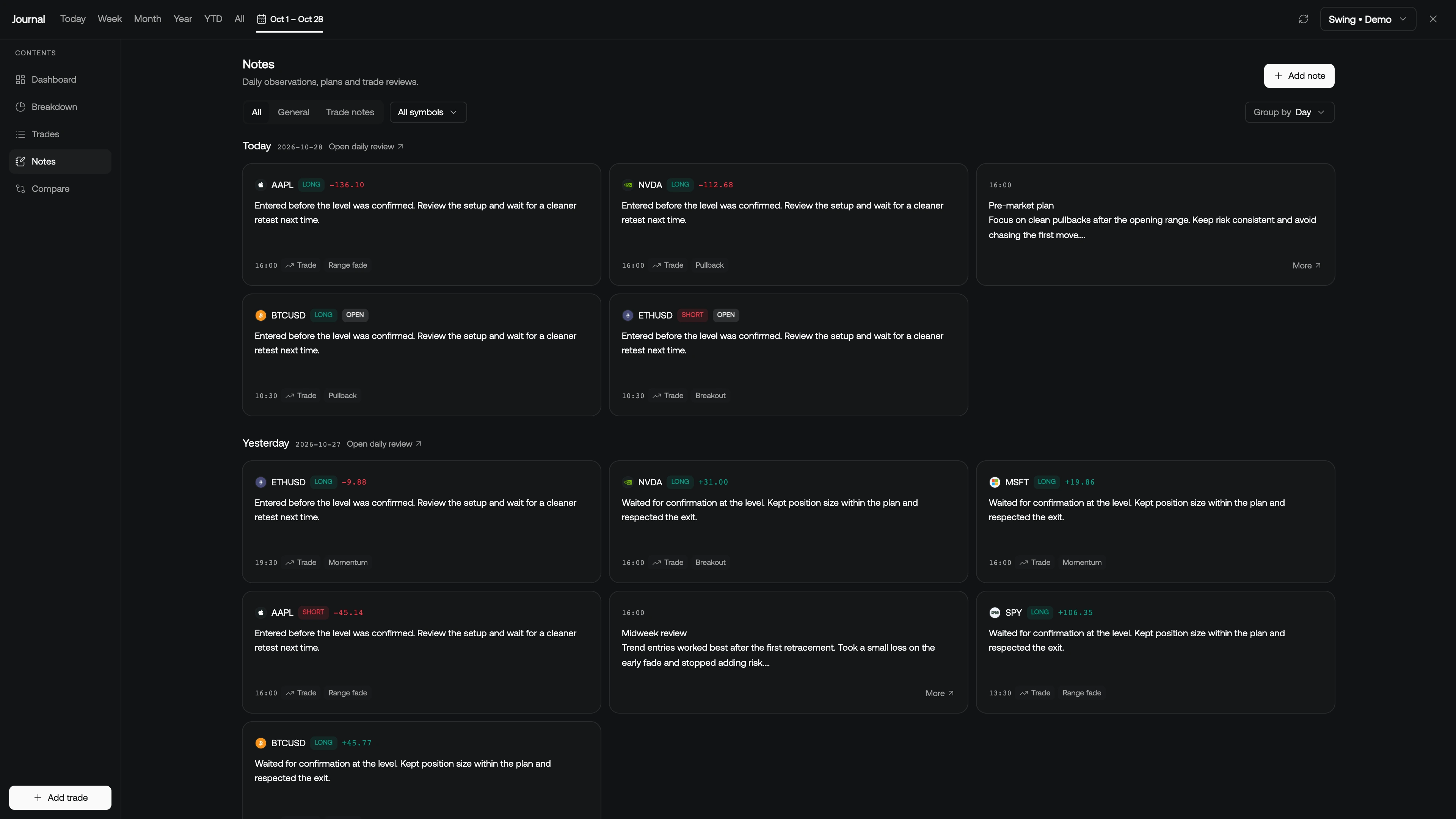
- The column's Notes drawer (today)
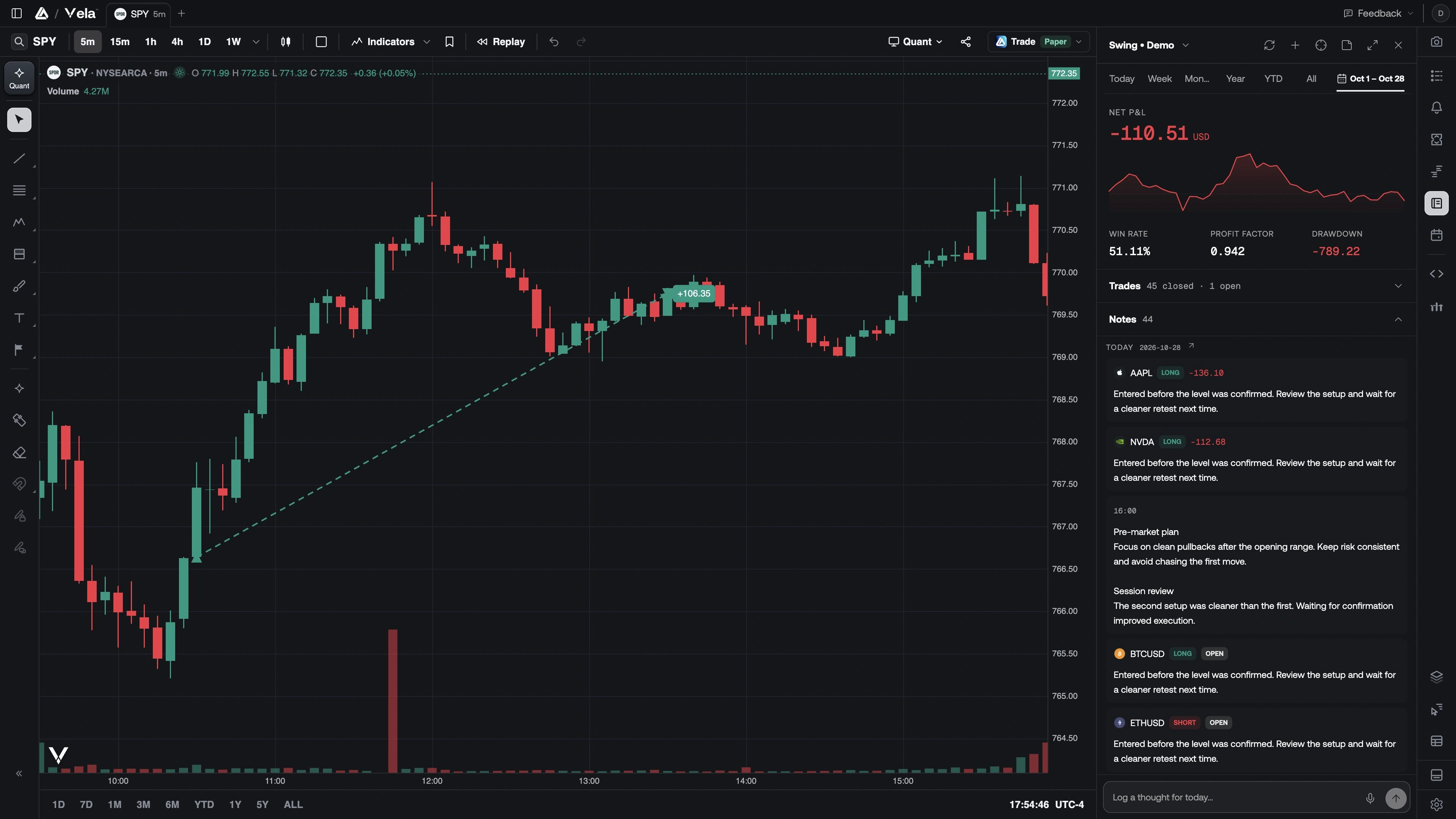
- This Notes page
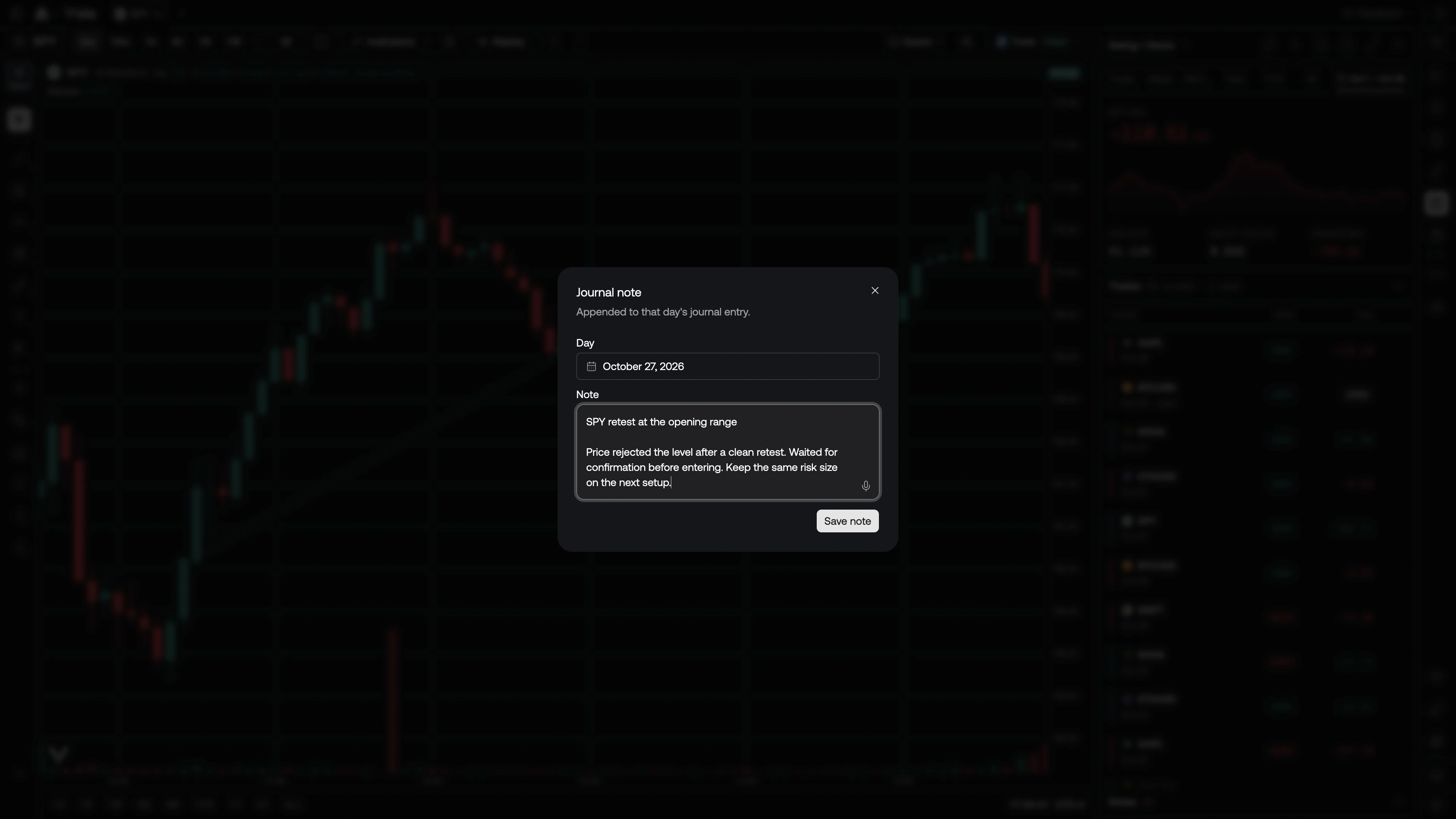
- Journal Note on the chart
From the column
Open the Notes drawer under the trade list. Recent days are listed newest first. The box at the bottom logs a thought for today. Enter saves; Shift+Enter makes a new line.
From the Notes page
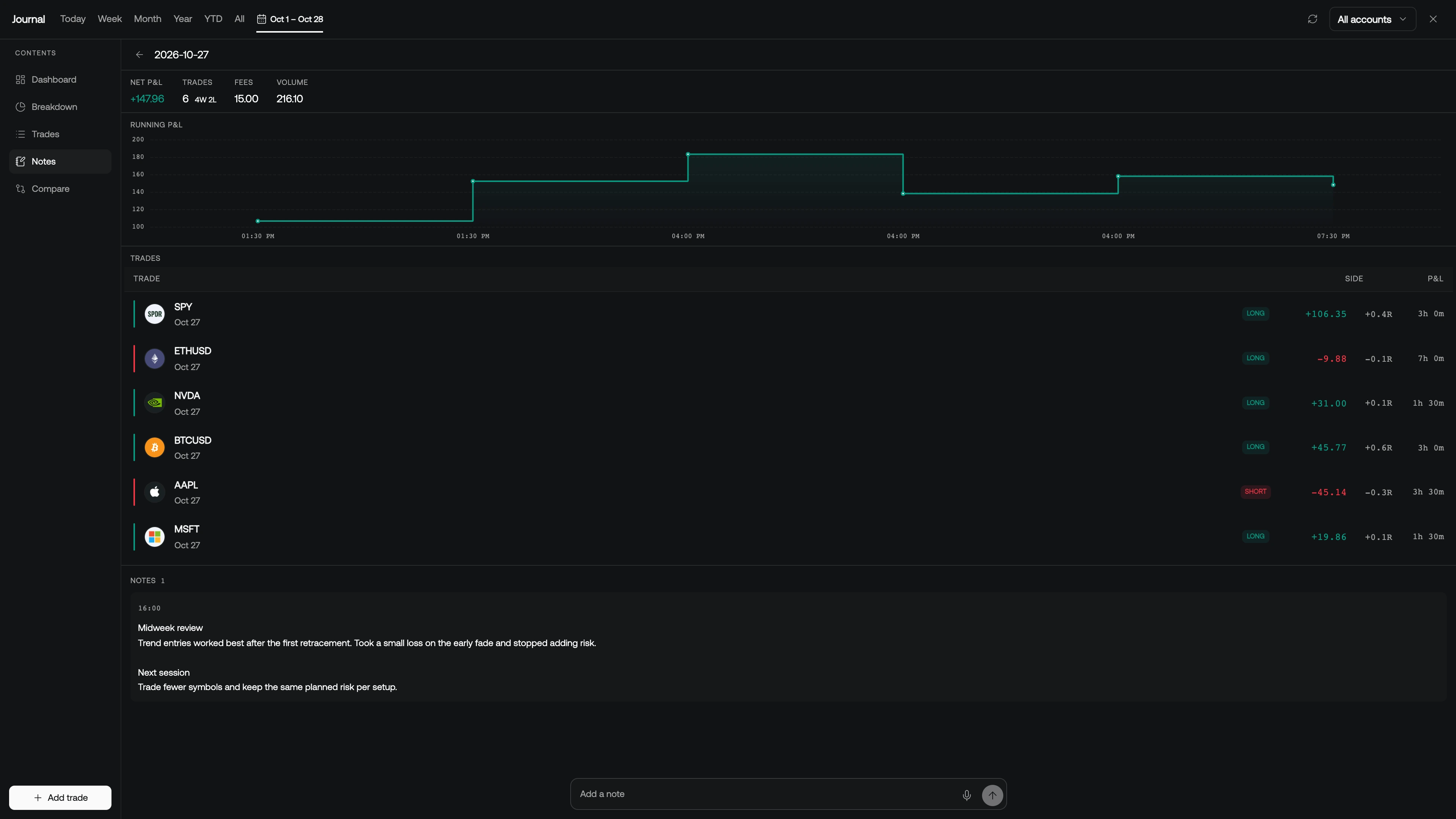
Add note opens a dated editor. Click a card to open that day's review — the same daily view the calendar uses: session P&L, the day's trades, and the full note.
Dictate a note
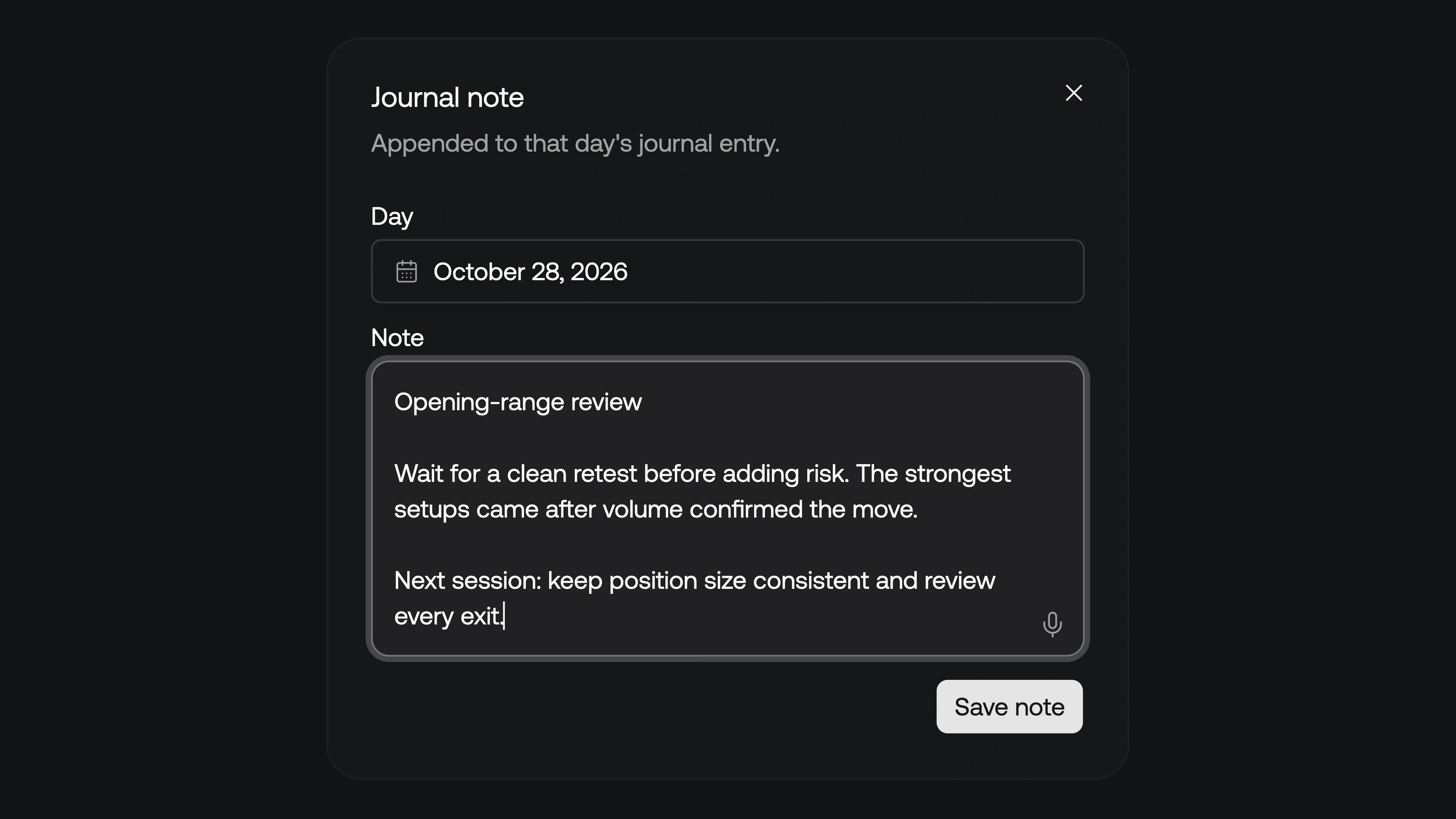
Use the microphone in the note editor to dictate with speech-to-text. Review the transcription, correct any symbol names or numbers, then save the note. Dictation changes how you enter the text; the note still belongs to its selected day.
From the chart
Click Add note on chart (the note icon in the Journal column header), then click a bar. Same idea as Add trade on chart: the click does not leave a drawing. It opens a note anchored to that bar's date (in your journal timezone). The text is appended to that day.
Magnet snapping is unused here — the date comes from the bar, not the price.