
Volume Delta
Volume Delta and Cumulative Volume Delta from footprint buy and sell volume.
Both tools come from footprint buy vs sell volume. They need a footprint-capable symbol. They also need a fixed bar duration, so they are unavailable on monthly timeframes. Add them from Indicators → Orderflow.
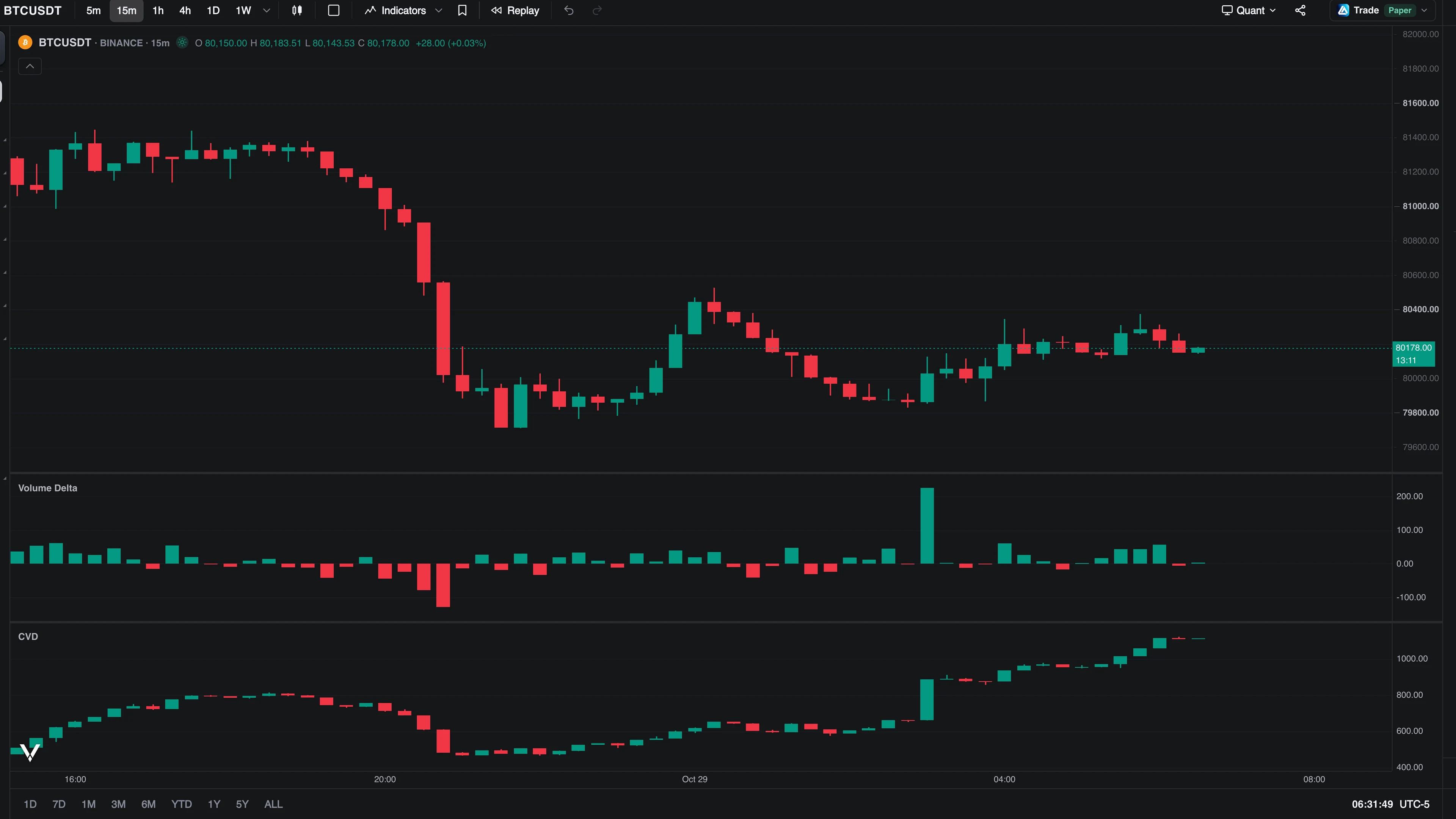
Volume Delta
Per-bar buy volume − sell volume as columns in a new pane. Green when buyers lifted more; red when sellers hit more.
Mode switches what the delta measures:
- Total (default): total buy volume minus total sell volume (who traded more).
- Average: average trade size per side (
volume ÷ trade count): who traded larger. A rising average-mode delta with a flat total-mode delta means fewer but bigger buyers.
Average mode needs per-side trade counts; bars without them leave an honest gap instead of plotting zero.
Cumulative Volume Delta
CVD is the running sum of the per-bar delta, in its own pane. Reading it answers whether pressure is accumulating: price making highs while CVD makes lower highs is the classic absorption divergence.
- Style: Candles (default, with true intra-bar wicks showing how far delta swung inside each bar), Line, or Area.
- Anchor: where the running sum resets, in UTC periods: Day, Week, Month (default), or All data.
- Mode: Total or Average, same semantics as Volume Delta.
Use Volume Delta to read each bar; use CVD to see whether that pressure is accumulating across the session.
For the print-count equivalents of both tools, see Trade Count.